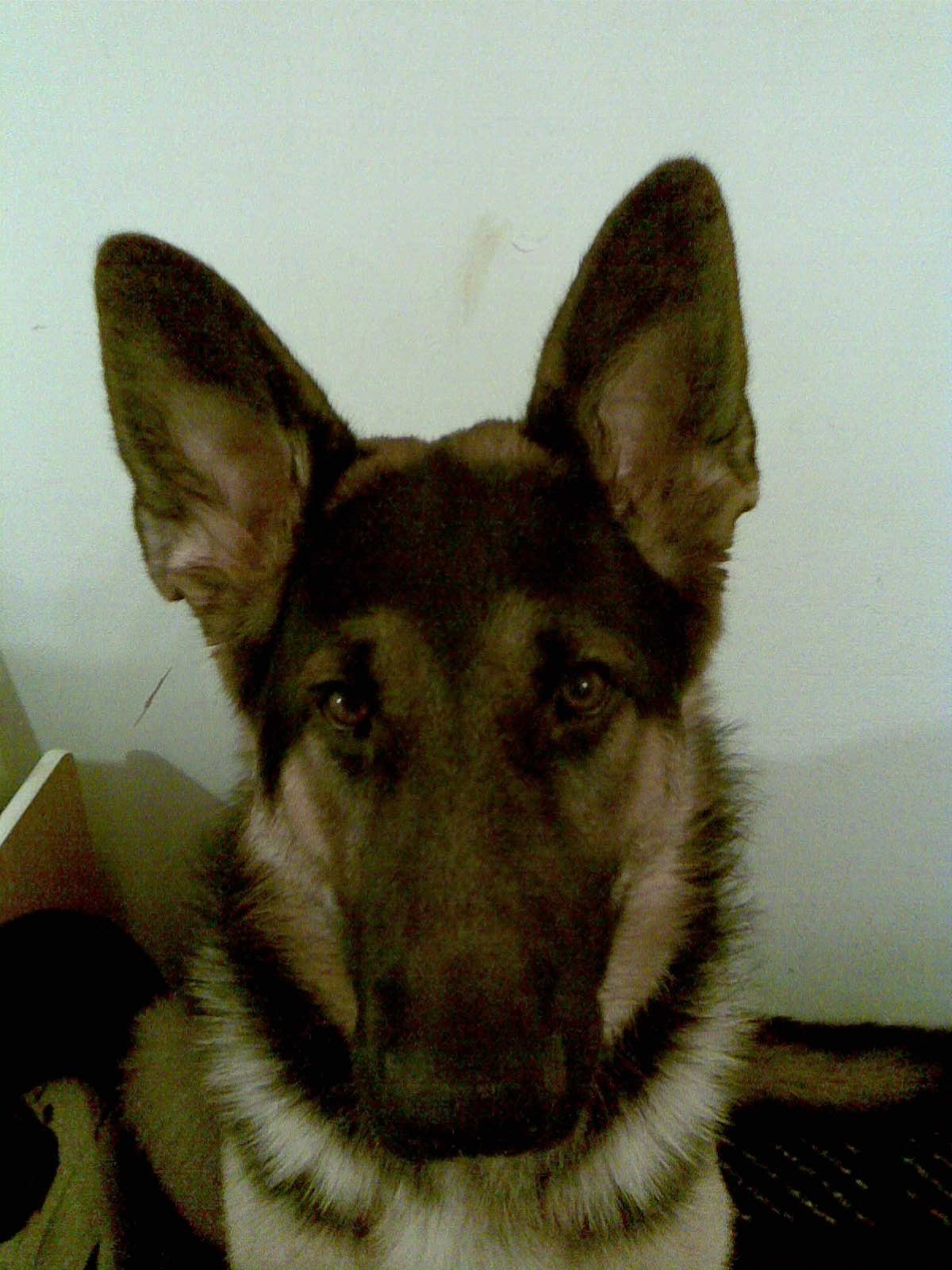
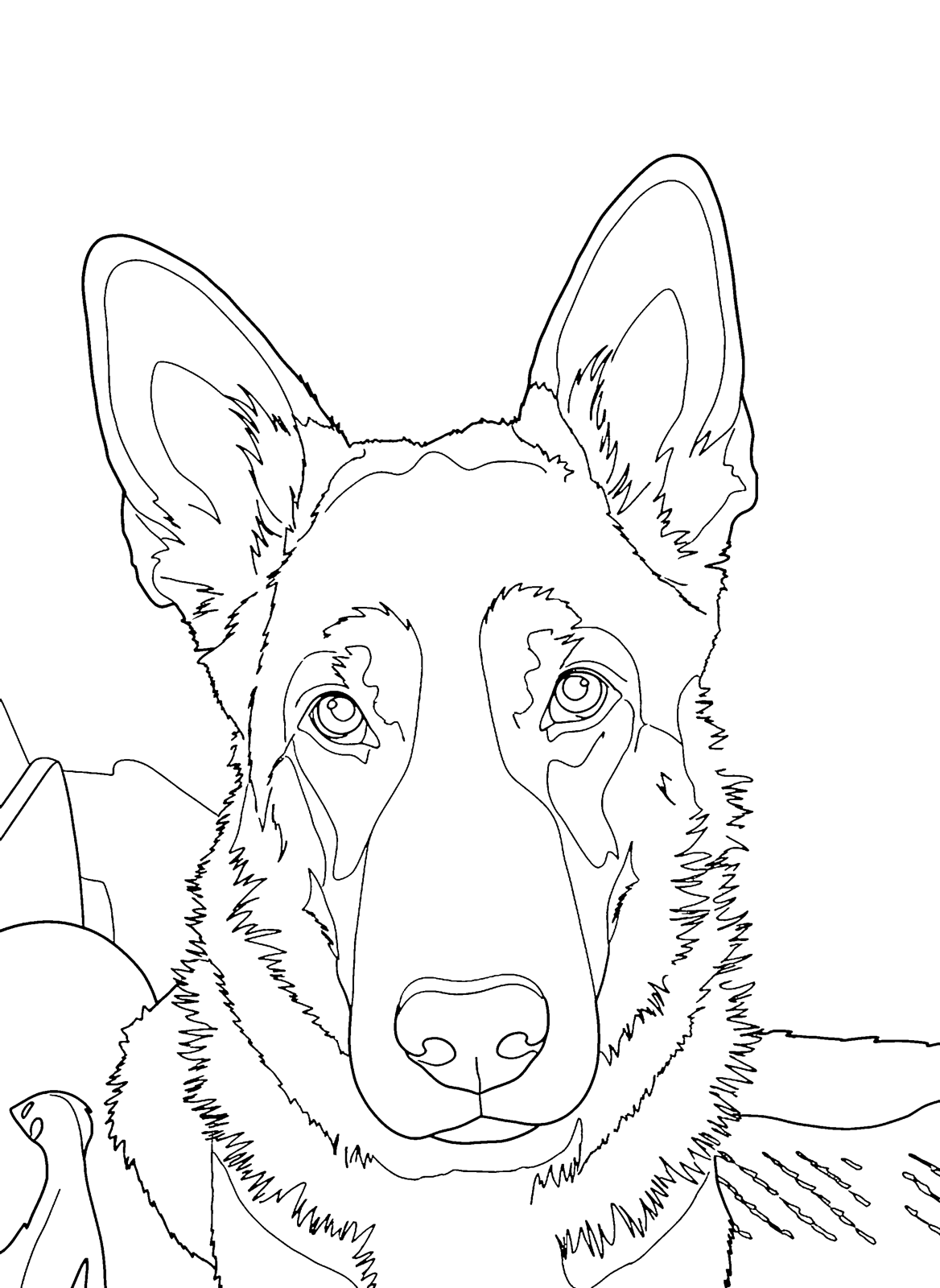
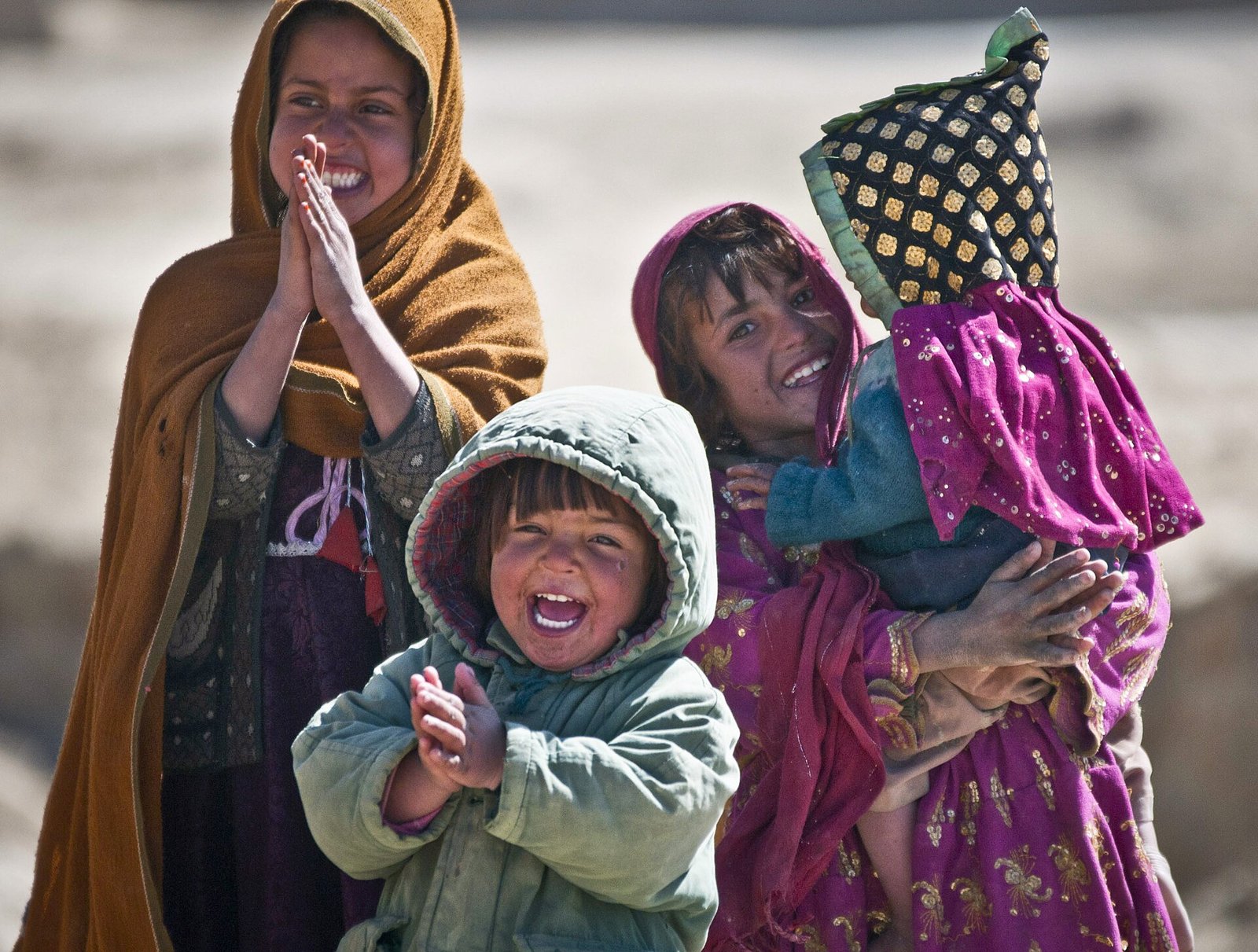
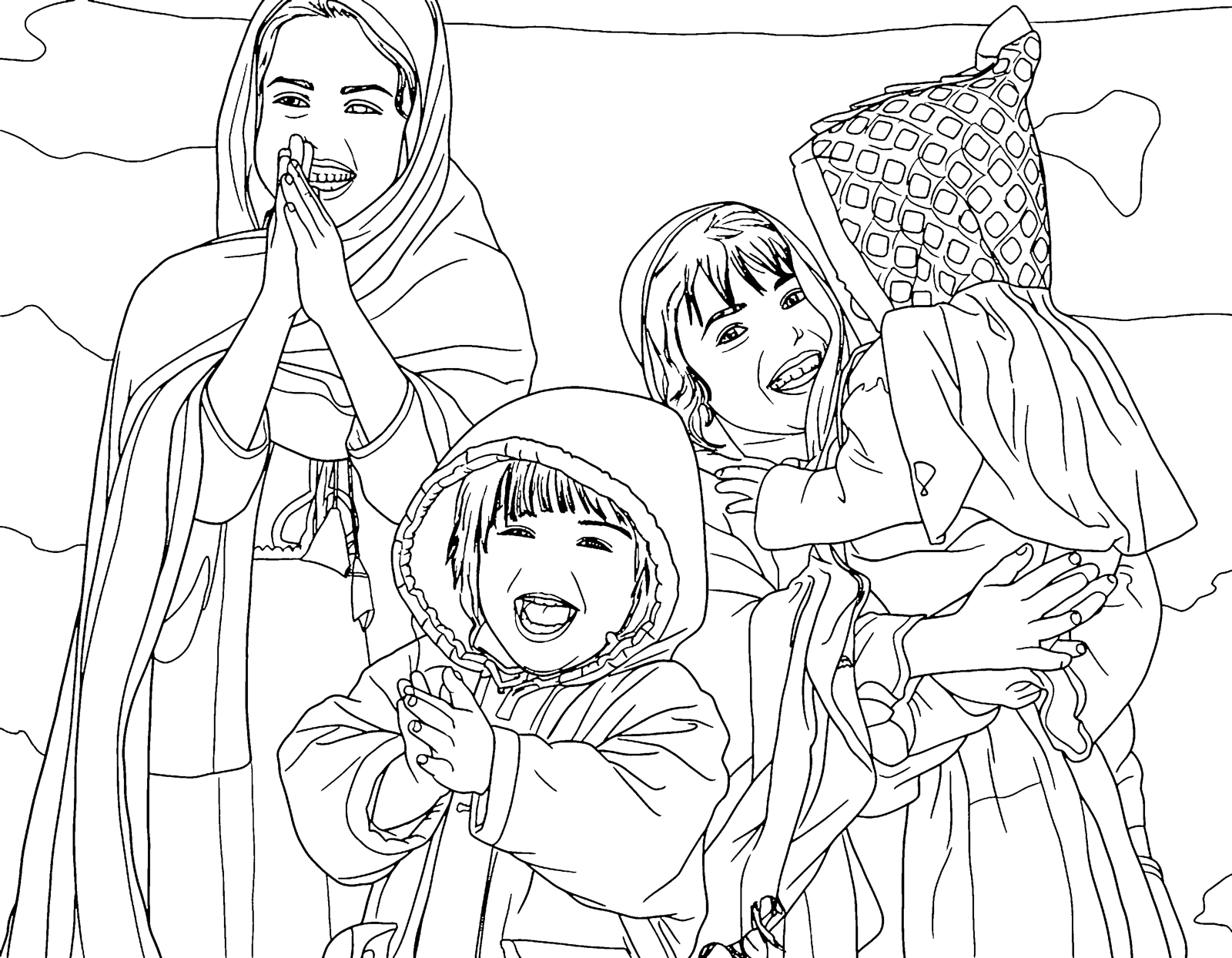
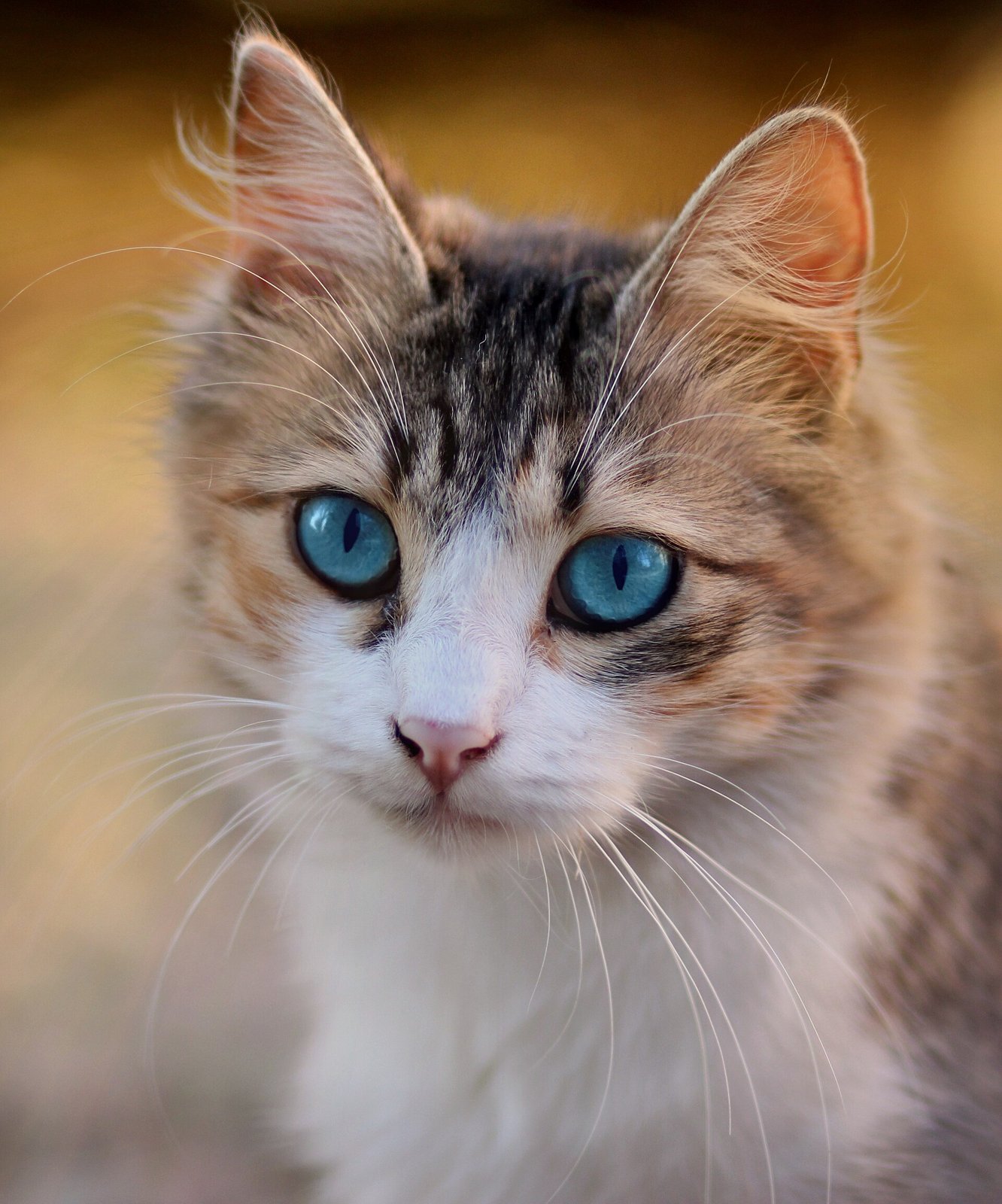
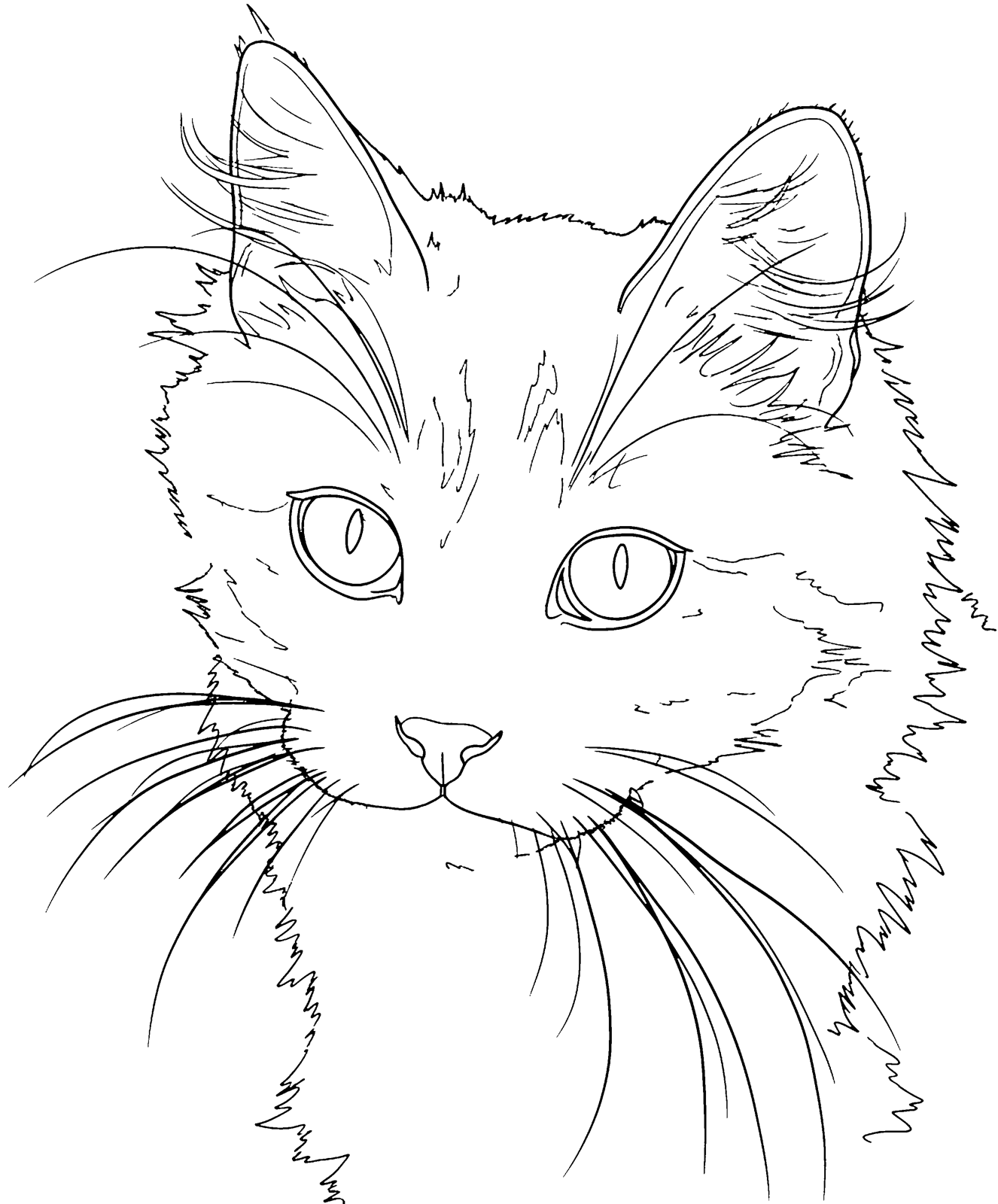
Coloriki converts a photo to line art: crisp black outlines on a pure white background, with no grey, no shading and no texture filter. Upload a portrait, a pet, a house or a flower, choose the line weight, and in about fifteen seconds you have a clean line drawing at 3300 pixels on the long side, ready to print, trace or transfer. It works online in your browser, and your first previews are free without an account.
Line art is the starting point for much more than coloring pages. Crafters use it for card designs and embroidery patterns, wood burners trace it onto a board, painters use it as a sketch to start a canvas. This page explains how the photo to line drawing converter works, which style gives the finest lines, what you can make with the result, and what the files can and cannot do.
How to turn a photo into line art
- 1 Upload your photoJPG, PNG or WebP up to 15 MB, from a phone, tablet or computer. iPhone photos are converted automatically in the browser.
- 2 Choose the line weightDetailed gives thin, precise lines that keep hair and textures. Classic gives medium, even lines. Little Hands gives very bold lines and big shapes.
- 3 Set the detail and backgroundChoose simple, medium or detailed, and keep, simplify or remove the background. Removing it leaves the subject alone on white, which is ideal for patterns.
- 4 Download the line artGet a 3300 pixel PNG and a PDF for A4 or US Letter. Print it, or open the PNG in the software you use for your craft.
Line art, not a sketch filter
Most photo apps have a "sketch" or "drawing" effect. It looks nice on a screen, but it keeps the grey shading and soft pencil texture of the photo. When you print it, trace it or transfer it, those greys turn into smudges and broken lines.
Coloriki works differently. The outlines are drawn by AI (Google Gemini image models) and then cleaned by Coloriki's own engine to pure black lines on white. Grey shading and specks are removed and small gaps in the lines are closed. What you get is a real line drawing: every line is either there or not, which is exactly what you want for tracing and patterns.
Uses beyond coloring
Because the result is clean black and white, it works for many hand-made projects. A few that people make most often:
- Greeting cards: print the line art of a couple, a baby or a pet and color or paint it by hand
- Embroidery patterns: transfer the outlines onto fabric and stitch along them
- Wood burning: trace the lines onto a board with carbon paper, then burn over them
- Painting and drawing references: a clean outline to start a canvas, a portrait or a watercolor
- Stencils and cut paper: use the bold Little Hands style for big, simple shapes that are easy to cut
- Mugs, tote bags and keepsakes: a pet portrait or a family outline for a personal gift
Fine lines with the Detailed style
For portraits and pets, the Detailed style is usually the best line art. It keeps strands of hair, fur, folds in clothes and small details in the background, with thin lines that look drawn by hand. It suits teens and adults, and anyone who will trace or paint over the lines rather than fill large areas with crayon.
Classic is the middle ground: cleaner, with medium lines and fewer small details. Pick it for long or fluffy fur, which can get busy in Detailed. Little Hands gives the boldest outlines of all, useful for stencils, signs and anything seen from a distance.
PNG and PDF, not vector
The line art is a high-resolution image, a PNG at 3300 pixels on the long side, plus a PDF for printing. It is not an SVG or vector file, and Coloriki does not offer vector export.
For printing, tracing by hand and transferring onto fabric or wood, the PNG is all you need. Cutting machines and laser engravers often work from vector paths; many of their programs can trace a black and white PNG into paths, and clean line art traces far better than a photo. Check what your machine's software supports before you plan around it.
Private by design
Your photos are used only to make your line art. They are never shown publicly, never used to train AI, and the original photos are deleted after 30 days.
Which style for which project
| Style | Lines | Good for |
|---|---|---|
| Detailed | Thin and precise, keeps hair and textures | Portraits, sketch references, embroidery, adult coloring |
| Classic | Medium and even | Pets with fluffy fur, cards, wood burning, all-age coloring |
| Little Hands | Very bold, big shapes | Stencils, cut paper, signs, coloring for ages 2 to 5 |
Tips for clean line art
- Start with a sharp photo in good light; blur and dark shadows become messy lines.
- Crop close so the subject fills most of the frame.
- Choose "Remove" for the background when you want the subject alone for a pattern or a stencil.
- Use "simple" detail for embroidery and wood burning: fewer lines are easier to follow.
- Print a test copy on plain paper before you transfer the design to fabric or wood.
- For tracing on a light box, print on thin paper so the lines show through.